Capture the same angles
Follow the positioning prompts on your phone. Open two scans and rotate the models to compare them from the same angle.
3D body scans
Compare two check-ins side by side. Rotate your scans, review progress photos, and follow changes in estimated measurements.
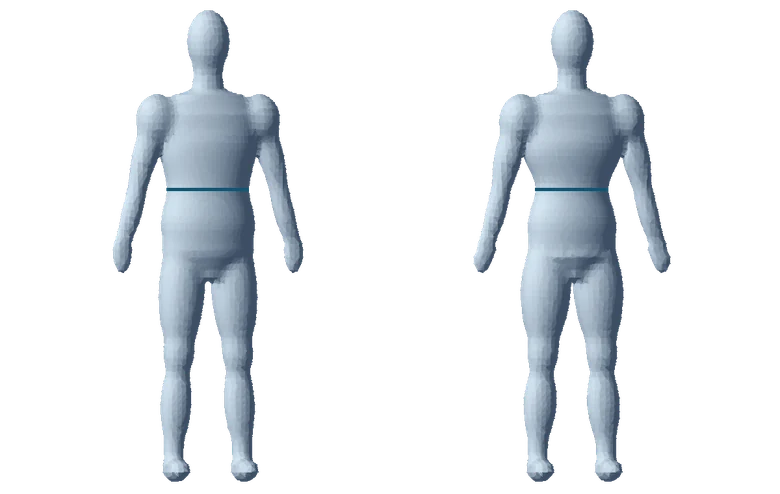
Follow the positioning prompts on your phone. Open two scans and rotate the models to compare them from the same angle.
Review estimated waist, chest, hip, arm, and thigh measurements over time in inches or centimeters.
Find front, side, and back photos from earlier check-ins while you review the weeks you trained.
Keep check-ins private or share one with a connected coach. You can also export a comparison.
Scan measurements are estimates for fitness tracking. They aren’t suitable for medical decisions. Similar lighting, posture, and clothing make check-ins easier to compare.
Your phone camera captures the scan. Follow the positioning prompts in the TandemFit app.
Check-ins are private unless you choose to share one with a connected coach or export a comparison.
Yes. You can view estimated measurements in either unit.